Share the care
Premium
Everyone on the same page
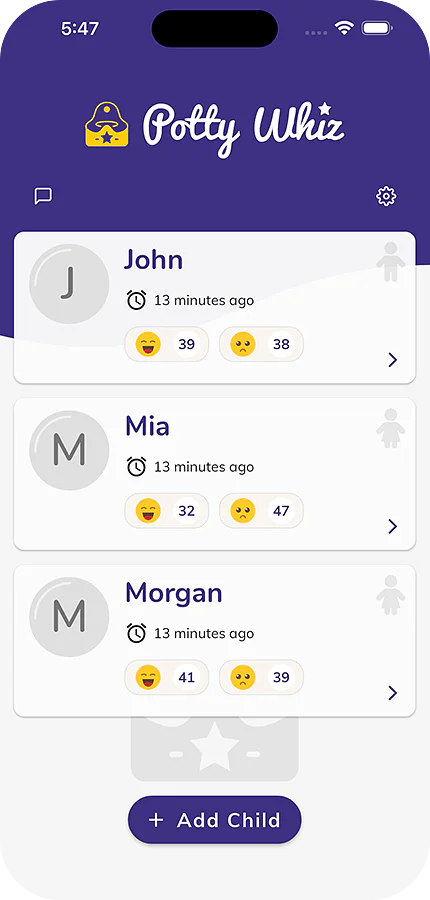
Invite grandparents, sitters and daycare. Every success and accident lands in one shared log.
Every success, accident and reward in one log shared with grandparents, sitters and daycare, with celebrations kids love. Free to start.


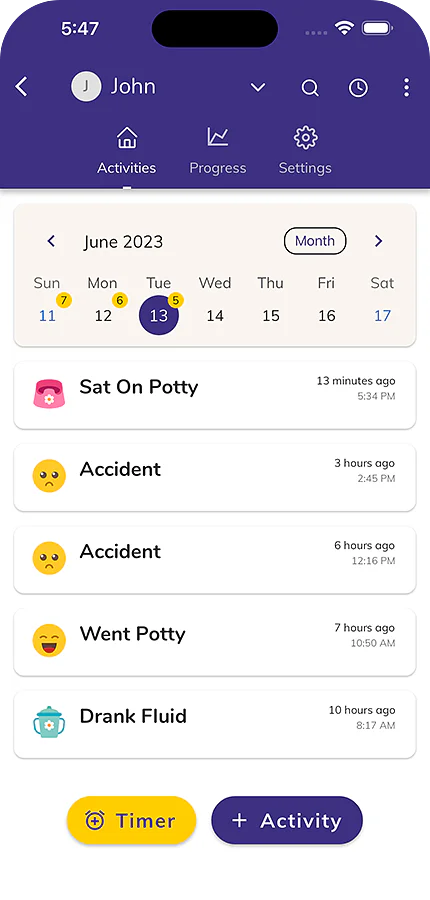
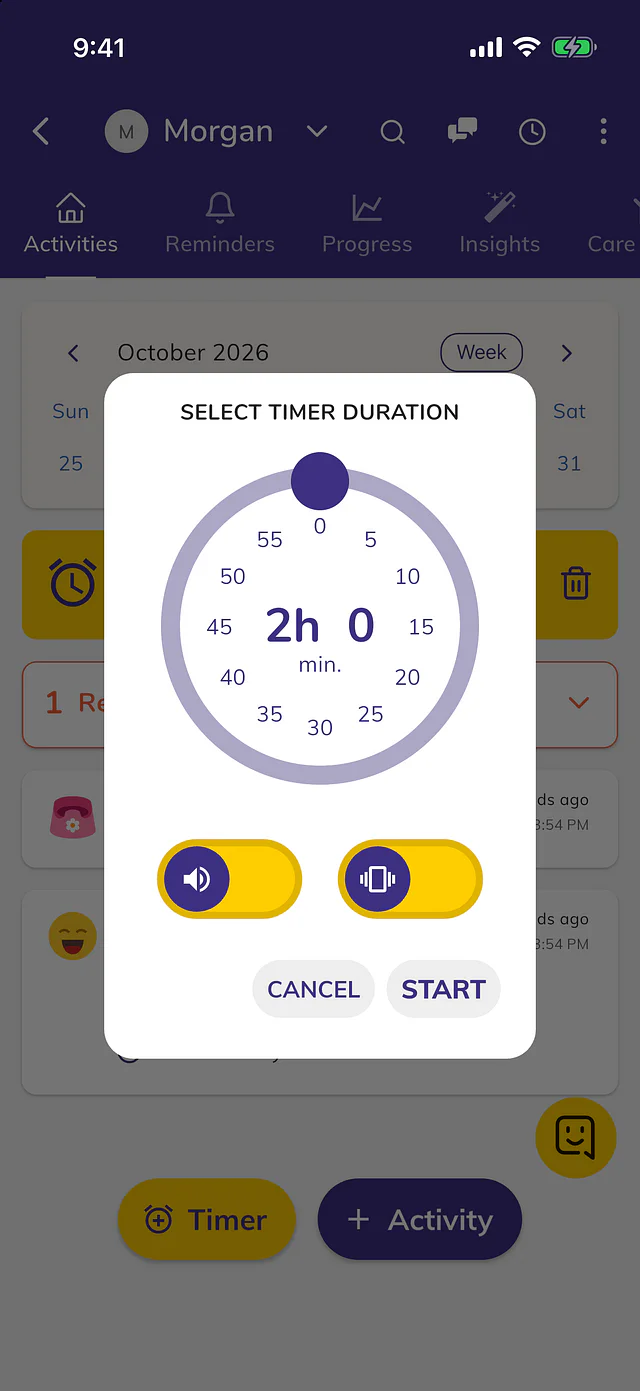
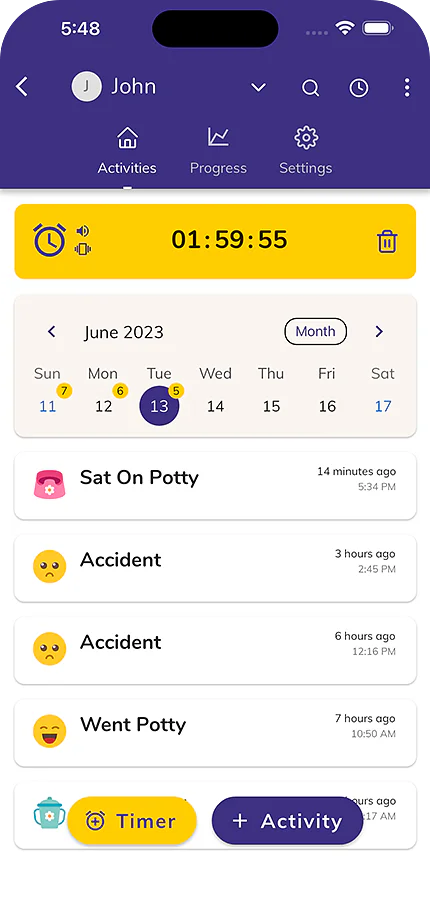
Invite grandparents, sitters and daycare. Every success and accident lands in one shared log.
Animations and rewards that make your toddler proud of each step.
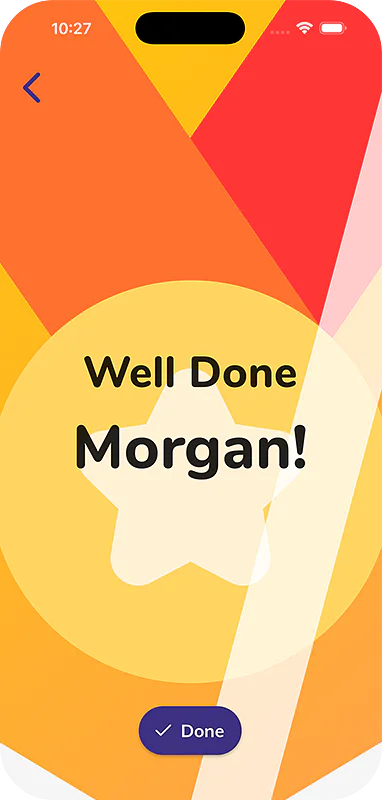
Timers and alarms that remind you when it is time to try again.
Successes, accidents and dry stretches over days and weeks.
Apple Watch and Wear OS, with or without your phone.
Export a report for your pediatrician or daycare.
One tap logs a potty trip or an accident, and the potty timer counts down beside your child's name.
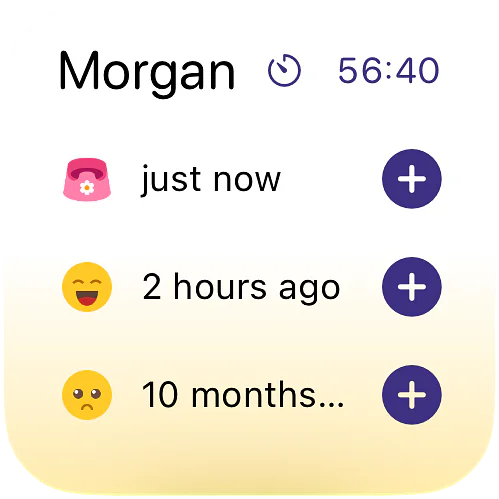
Log a pee or an accident, ask when the next potty break is, or start a potty timer, on iPhone.
Ask Tibbs a question, or log something in one sentence. Answers come from the family's shared log.
 Mia's log
Mia, 2½, potty training
Mia's log
Mia, 2½, potty training
Everyone in the family sees each entry as it is logged.
 Tibbs
Potty Whiz assistant
Tibbs
Potty Whiz assistant
A sample family. Tibbs answers from their log only. Questions you type are kept for 90 days to improve the demo.
The best potty training app!
I absolutely love this app! It’s helped so much! I love that I can track potty training events/accidents, set a timer and create a team so those who look after my child can update the progress log as well! It’s been a great way to keep track!!
Amazing app
This app is so useful !! My son goes to his grandparents half the week after nursery and this app was brilliant for sharing with family so we were all consistent with potty training.
a great app for logging potty visits and other habits, gives you useful insights on patterns and observations and has the ability to be shared with multiple caregivers so you all add to the same progress. You can set a timer to go off when a potty visit may be due and the app plays a little celebration when you log a potty trip. I also like that you can add to the log using a Galaxy watch as i dont always have my phone handy
From the Potty Whiz help center.
Open the app's menu or Settings and tap Sign In, then choose Sign in with Apple, Sign in with Google, or your email. Email sign-in sends a 6-digit code to check. Read the article
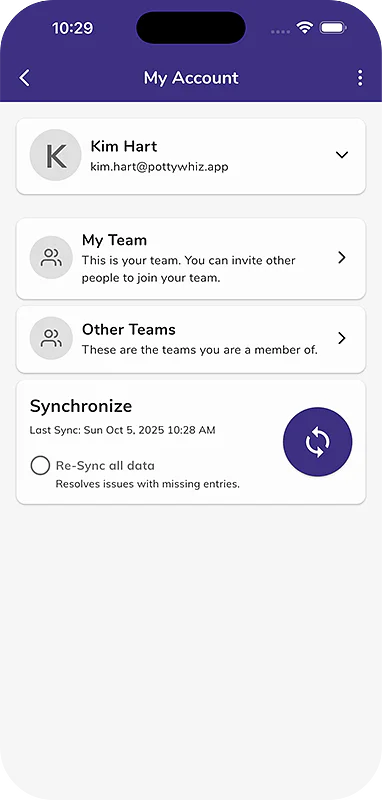
Your data loads after you sign in, so wait a minute. If it's still missing, check you're using the email you first signed in with, then re-sync under My Account. Read the article
Tap your child's card, then Activity on the Activities tab. Pick Potty or Habits, tap the activity such as Went Potty or Accident, add any optional details, and tap Save. Read the article
Free covers one child with unlimited potty logging and timers. Premium adds reminders, your whole family and more, for your whole household on one plan. Read the article
Reminders need Premium. Open your child's Reminders tab, tap Add next to Scheduled Reminders, pick an activity and how often, then tap Save. Smart Potty Reminders work on a timer after an activity. Read the article
Open your child's three dots or the My Team screen, tap Add Member, then send an invite by QR code or by Share. Invites work for 14 days and need Premium on your account. Read the article
Potty Whiz
Free Printable Potty Training Reward Chart
Create a personalized, printable potty training sticker chart for your toddler. Choose fun themes like stars,...
Try it
Potty Whiz
Potty Training Readiness Quiz
Is your toddler ready for potty training? Take our free quiz to find out! This quiz is for guidance only and is not...
Try it
Potty Whiz
Potty Training Schedule Generator
Create a personalized potty training schedule based on your child's daily routine. Enter wake times, nap schedules,...
Try it
On iPhone, iPad and Android.